Submit Moving Expenses for Reimbursement – Redwood
Last Updated: 08/25/2026
On the Oracle home page, click “Show More” at the bottom of the Quick Actions list.
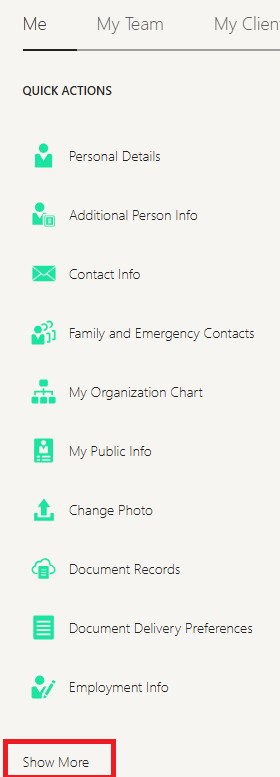
Scroll down until you find “Manage Personal Contributions” in the Compensation section.

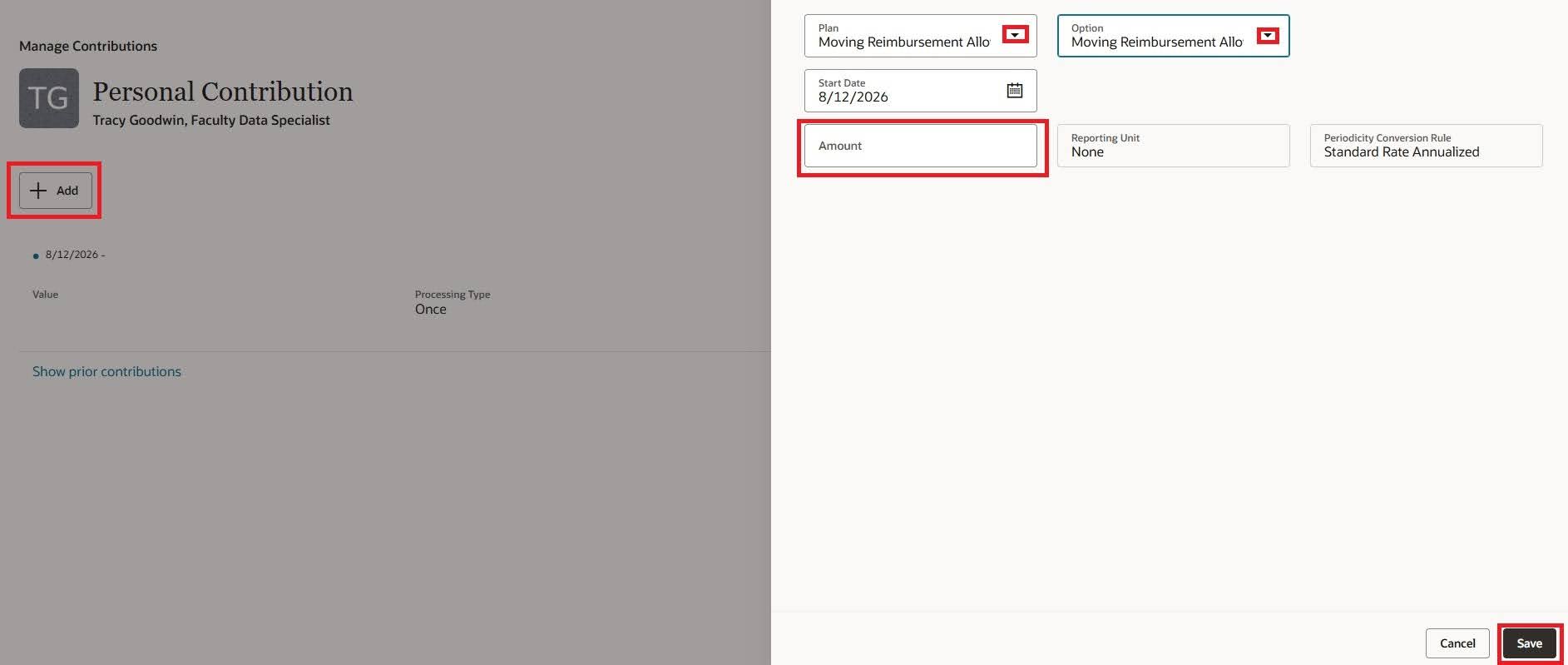
Click the “Add” button. In the slider that opens, select the only options available from the two dropdown menus, fill in the total amount of reimbursement requested, and click the “Save” button.
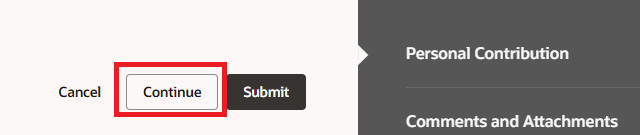
Click the “Continue” button to go to the next screen.
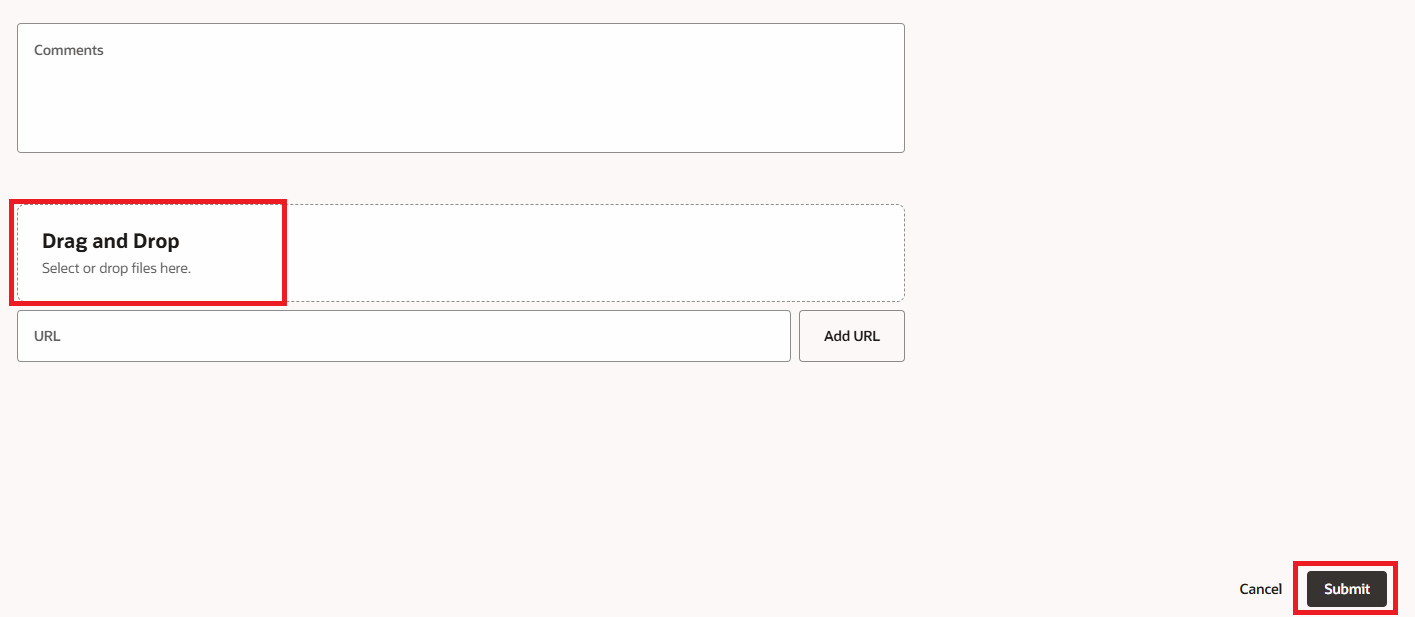
Upload your receipt(s) and your Moving Expense Agreement Form using the Drag and Drop area and click the “Submit” button.
 The reimbursement will be routed for approval. Once approved, the funds will be added to your next paycheck as taxable income.