Student Work Hours & Estimated Earnings Report – Redwood
Last Updated: 09/09/2026
This report is intended to provide an estimate of earnings that fall under the selected department during the selected timeframe. If you are running this for your department or team and the positions fall under another department, that information will not display. This report will only display currently active student employees and is intended to provide data once your student has completed at least one pay period starting this fall semester. This is not a ‘budget to actuals’ report, which can be found under Financials, it is to provide you with data related to the hours entered for your student workers. Any detailed student work earnings for a cost center can be requested through payroll@stolaf.edu.
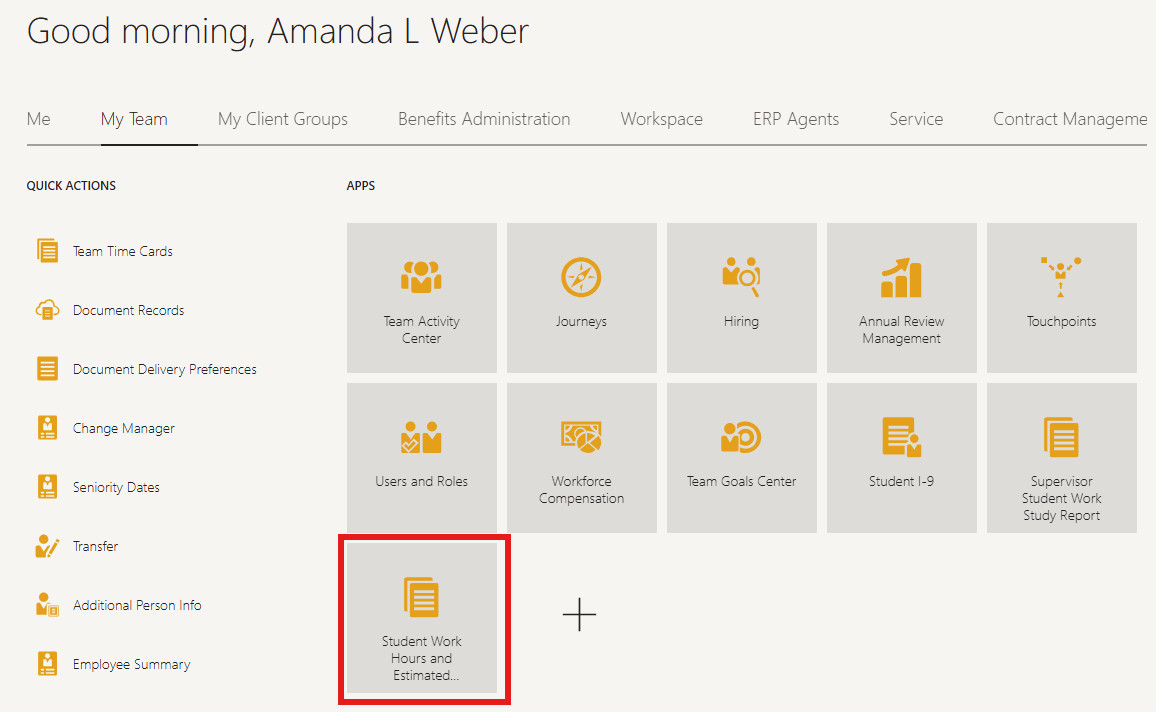
Under My Team, select the Student Work Hours and Estimated Earnings tile.
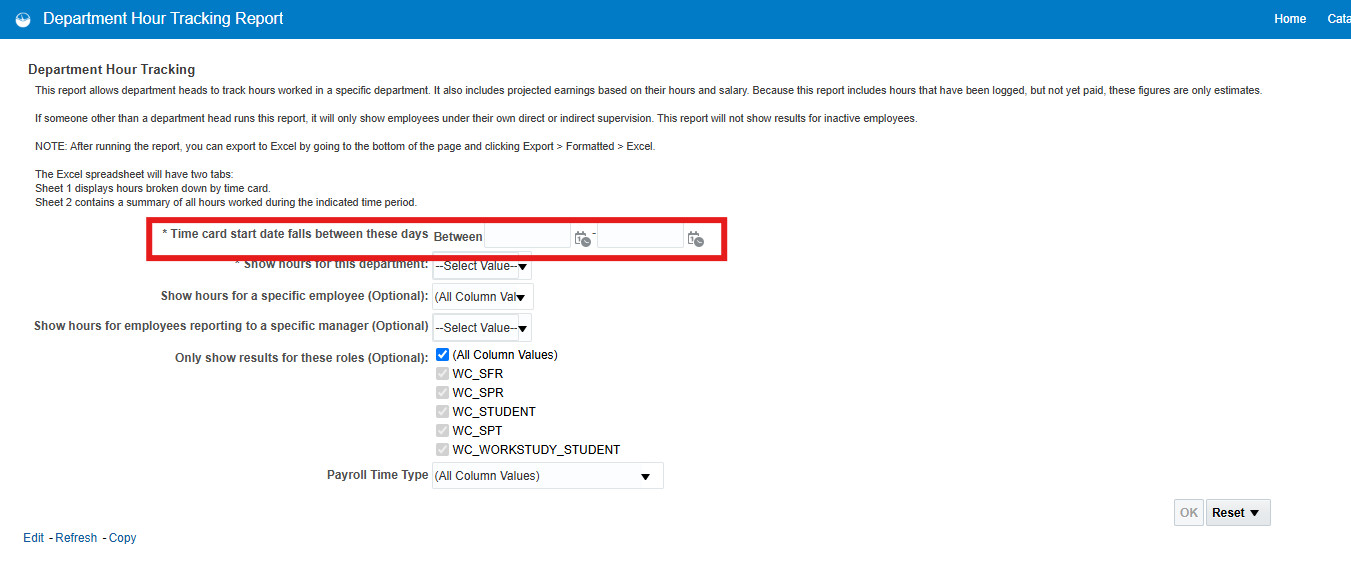
From the next screen, you only need to select the date range you are interested in.
Please note, this report will only display earnings if your student has hours logged. If they have not yet entered hours, you will not receive results.
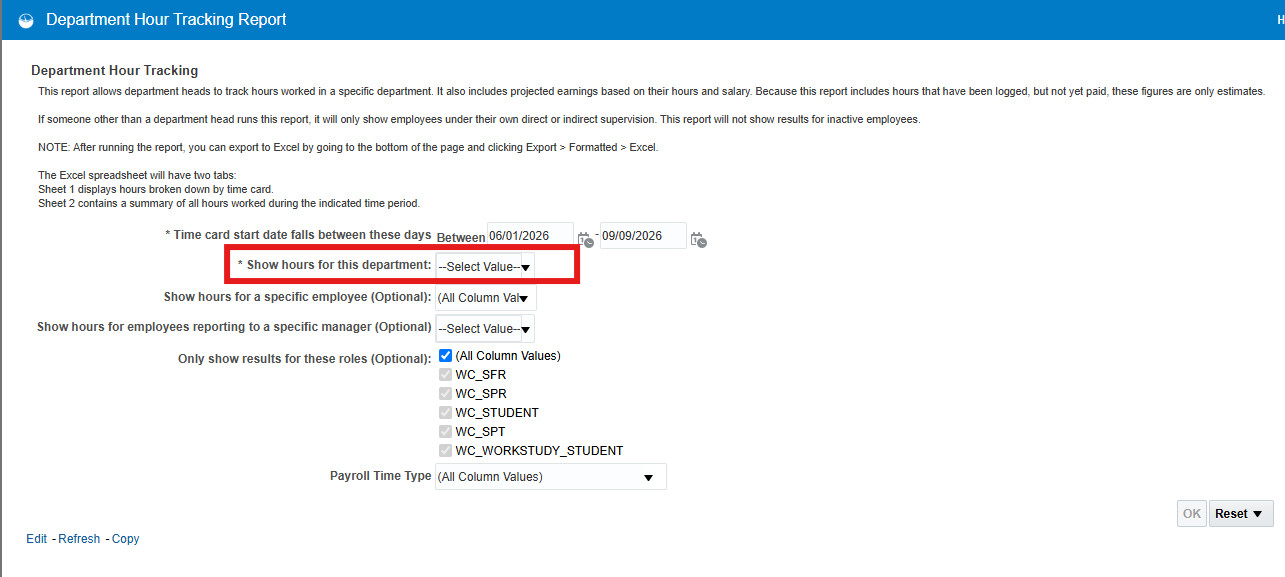
After selecting hours, start typing the department you are needing data.
Once you have your criteria selected, click OK.
The report will display two sections. The top section is a summary of the criteria you selected and the bottom section is the detail of the criteria you selected.
To export to Excel, scroll to the bottom of the page and select Export.
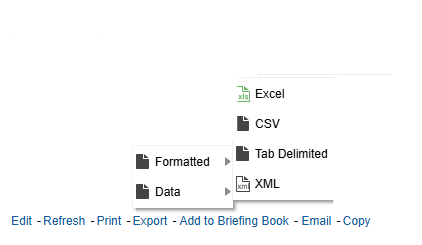
The report will export in two tabs, one with the summary and the other with the detail.